




PerformTAGS — PerformNOW CXM

Professional price tags in seconds.

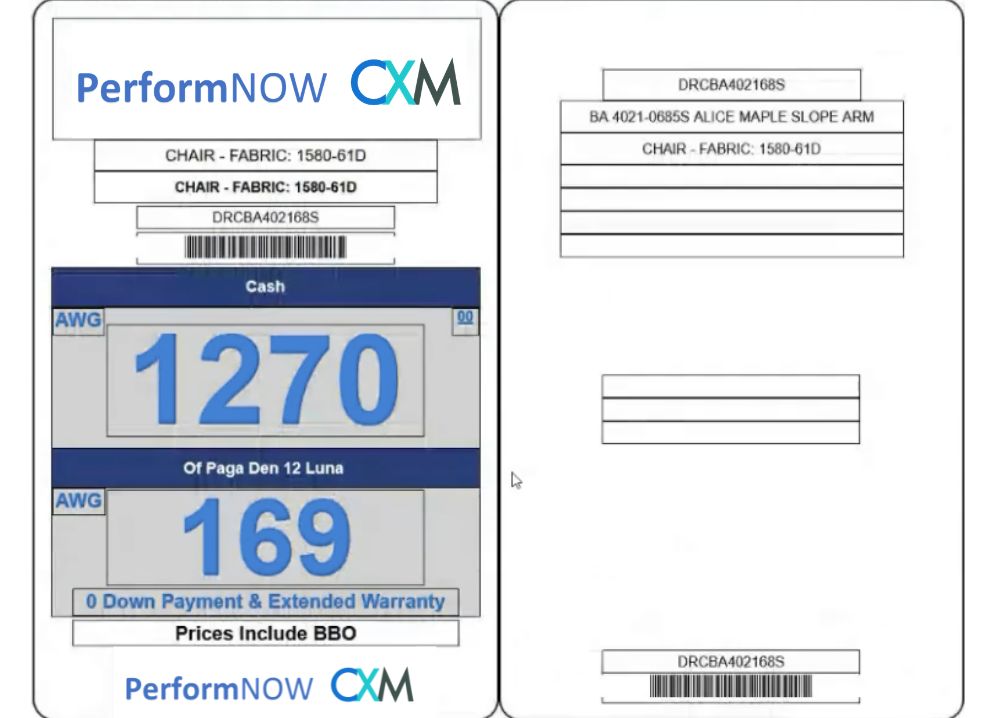
Create and print branded furniture price tags from ERP or POS data in one workflow.

Your showroom changes fast.
Your price tags should keep up.

What slows merchandising down
×Manual double-entry
×Inconsistent tag designs
×Slow pricing and printing
What PerformTAGS improves
Connected data
ƒPricing formulas
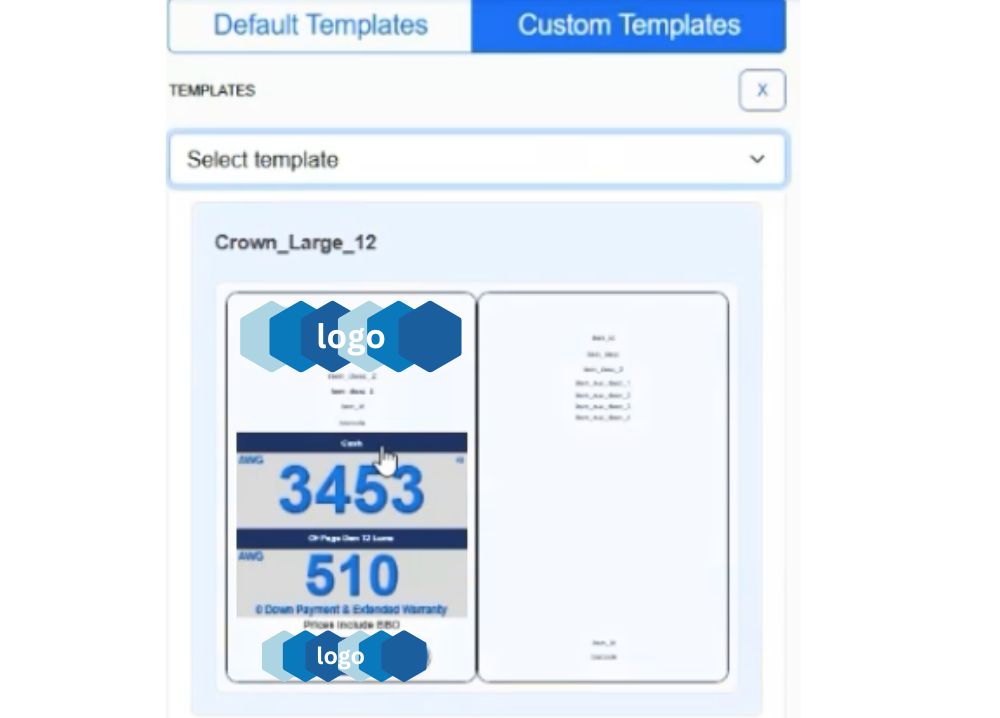
Custom templates
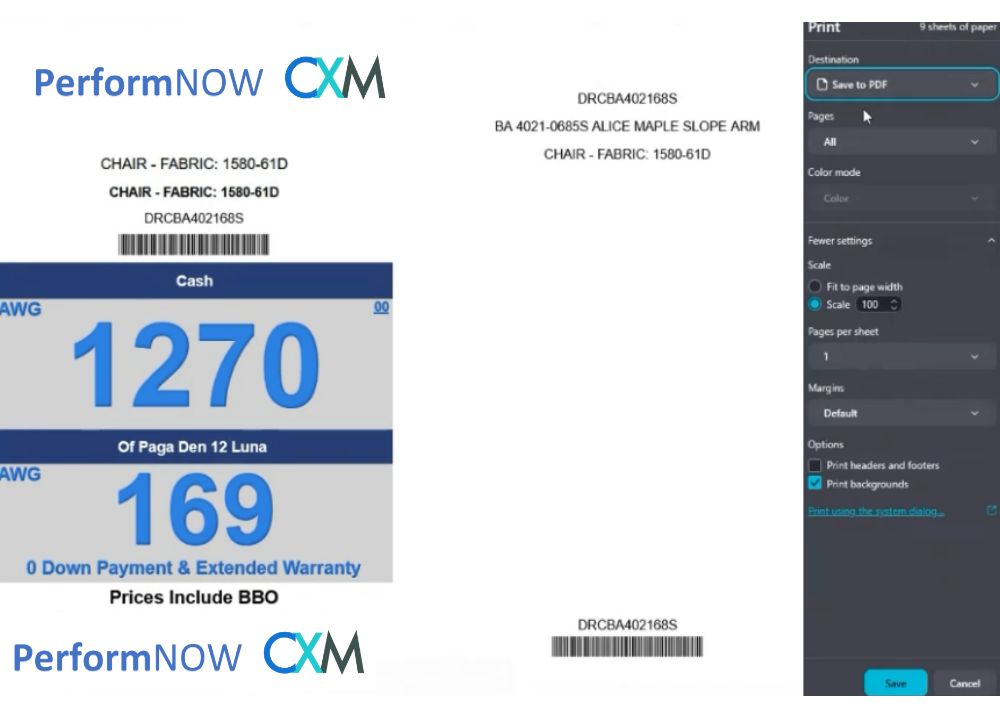
Print-ready output

One workflow from ERP data to showroom tags

Connect your inventory system without double-entry
PerformTAGS connected ERP and POS data interface
Connect directly with your ERP or POS inventory system
Pull automatic item descriptions into every tag
Keep inventory information synchronized in real time
Generate barcodes instantly from item data

See how home furnishings retailers use PerformNOW CXM

eXperience Management - Critelli Furniture

Critelli Furniture modernized its custom-focused business by improving lead management and customer follow-up.

eXperience Management - Weaver Furniture

Weaver Furniture uses PerformNOW CXM to unify customer data, automate follow-up, and centralize communication.

eXperience Management - Malouf Furniture

Malouf Furniture improved customer experience, follow-up, and visibility without losing the human touch.

FAQ

What is PerformTAGS?

PerformTAGS is a price-tag generation and printing system for furniture retailers. It connects product data with customizable templates so teams can calculate, design, and print professional showroom tags.

Can PerformTAGS connect to our ERP or POS?

Yes. PerformTAGS is designed to pull item descriptions, inventory data, prices, and barcode information from connected ERP or POS systems.

Can we create our own tag designs?

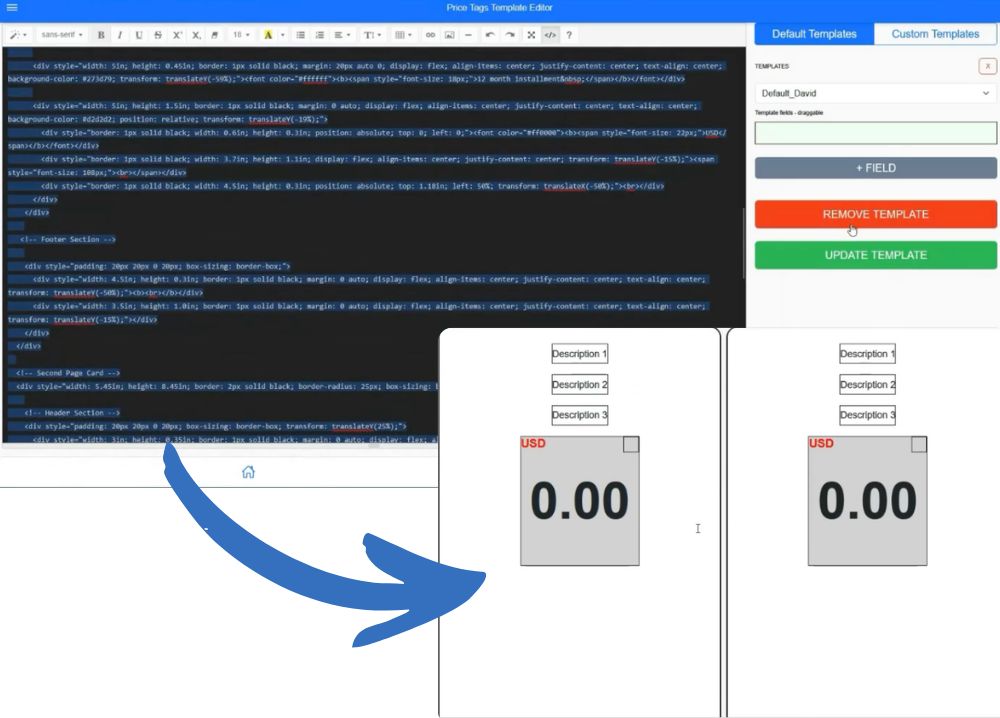
Yes. Stores can use default templates, brand-specific custom templates, full HTML and CSS, and multiple card or sticker sizes.

Can pricing rules be calculated automatically?

Yes. Algebraic formulas can calculate interest, protection-plan margins, and other pricing values before the tag is generated.

Can staff build print lists from the showroom floor?

Yes. Staff can scan barcodes with a mobile device or search for SKUs manually, then add the selected items to a print queue.

How are finished tags printed?

PerformTAGS exports formatted PDF files that can be printed locally using the store's normal printing setup.

Professionalize your showroom tags.

Book a demo to see how PerformTAGS connects item data, pricing logic, custom designs, barcode scanning, and local printing in one workflow.

Featured

What is PerformTAGS

PerformTAGS syncs your ERP data with customizable templates to design and print professional furniture price tags in seconds.

Seamless Integration & Logic

Connected Data

No more manual double-entry. Perform Tags connects directly with your ERP / POS inventory system.

- Automatic item descriptions
- Real-time inventory sync
- Instant barcode generation

performTAGS-pricetags

Smart Pricing Formulas

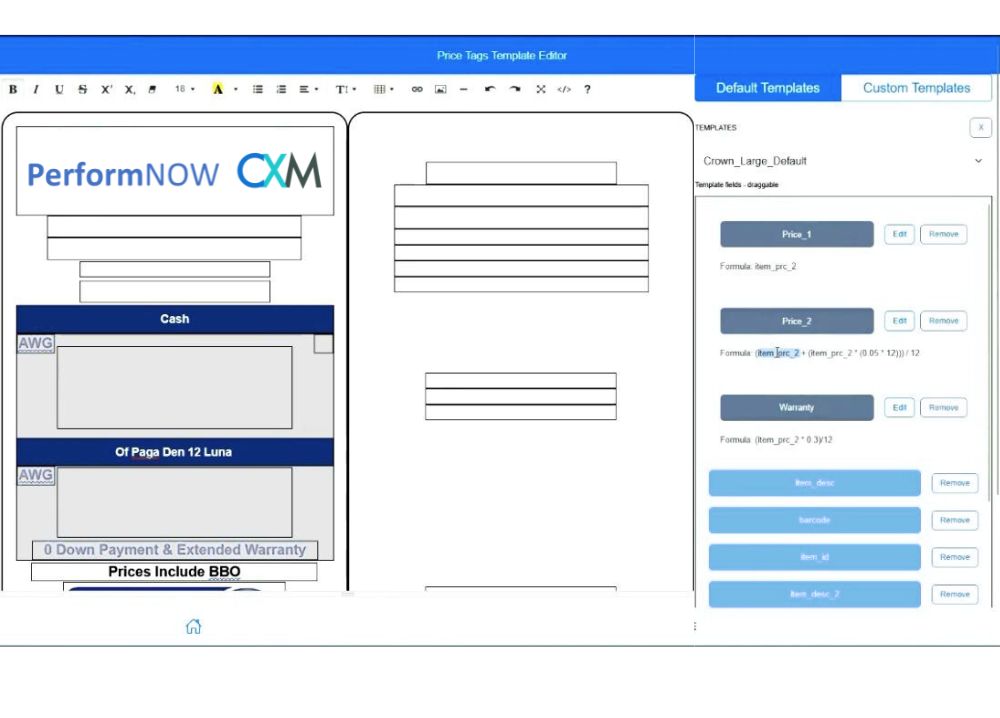
Calculate complex pricing on the fly. Use simple algebraic expressions to add protection plans or interest rates.

- Include 5% interest automatically
- Add 30% protection plan margins
- Instant updates across all tags

Design & Customization

Total Design Control

Design tags that match your brand. Set "Default Templates" for the store and "Custom Templates" for specific brands.

- Full HTML/CSS flexibility
- Brand-specific layouts
- Multi-size support (cards/stickers)

AI-Friendly Creation

Want a brand-new design in minutes? Use AI tools like ChatGPT to generate HTML code and paste it directly into our editor.

- Zero coding required
- Prompt-to-template workflow
- Rapid prototyping

Measure & Execute

performTAGS-Instant Barcode Generation

From Floor to Printer

Building your print queue is as simple as walking the floor. Use your mobile phone camera to scan barcodes or search for items like "Dundee Sofa" to add them to your list instantly.

- Scan & Add: Use mobile devices to build lists.
- Manual Search: Find any SKU in your database.
- Export to PDF: Perfectly formatted for local printing.